
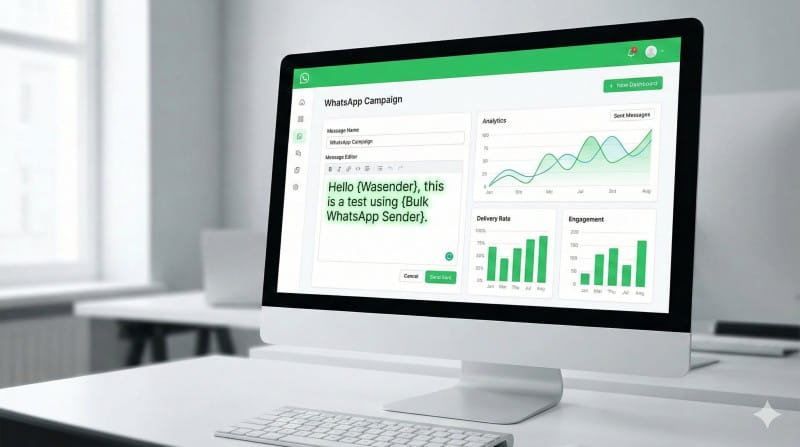
There was a time when sending a bulk message meant sacrificing personalization. Businesses would blast out the same generic text to hundreds or thousands of contacts, hoping that a small percentage might respond. The result? Low engagement, muted interest, and in many cases, frustrated recipients who felt like just another number in a database.
Today, that approach no longer works.
Customers expect relevance. They expect context. They expect to feel seen. And in the world of WhatsApp communication—where conversations feel intimate and direct—generic bulk messaging stands out in the worst possible way.
So the real question is not whether you should send bulk WhatsApp messages.
The question is: how do you send personalized bulk WhatsApp messages at scale without losing authenticity, increasing ban risk, or damaging your brand reputation?
Let’s break it down step by step.
Why Generic Bulk Messaging Fails
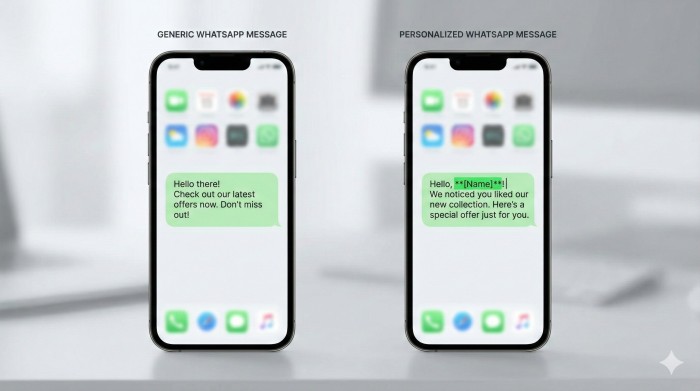
Imagine receiving this message:
“Hello, check out our latest offer.”
No name. No context. No reason why you should care.
Now compare that with:
“Hi Daniel, your exclusive 20% renewal discount expires tonight. I didn’t want you to miss it.”
The second message feels intentional. It feels direct. It feels personal.
That difference is what separates ignored messages from conversions.
Generic bulk messaging fails because:
- It triggers spam perception.
- It reduces response rate.
- It increases the likelihood of being reported or blocked.
- It damages trust before the conversation even begins.
In contrast, personalized bulk WhatsApp messages create the illusion—and often the reality—of one-to-one communication at scale.
What Are Personalized Bulk WhatsApp Messages?
Personalized bulk WhatsApp messaging means sending messages to multiple recipients while dynamically inserting unique data for each person.
This could include:
- First name
- Company name
- Purchase history
- Appointment date
- Custom offer
- Unique tracking link
Instead of sending one static message, you create a dynamic template that adapts based on your contact list data.
For example:
“Hi {{name}}, your {{product}} subscription renews on {{date}}. Let me know if you’d like to upgrade.”
Each recipient sees their own details filled in automatically.
This is where WhatsApp sender software and marketing automation tools become essential.
The Psychology Behind Personalization
Personalization works because humans are wired to respond to familiarity.
When someone sees their name, their brain immediately recognizes relevance. It signals that the message was meant for them—not the masses.
Research across digital marketing consistently shows:
- Personalized messages increase open rates.
- Response rates improve significantly.
- Click-through rates rise.
- Conversion rates increase.
- Spam complaints decrease when messaging is relevant.
On WhatsApp—where conversations are direct and conversational—the effect is even stronger.
Step 1: Structure Your Contact Data Properly
Before sending anything, organization is everything.
You need structured data, typically in CSV or spreadsheet format, containing fields like:
- Name
- Phone number
- Custom variable (offer, product, renewal date, etc.)
- Optional segmentation tag
The cleaner your data, the more seamless your personalization.
Bad data leads to embarrassing mistakes. A missing name field resulting in “Hi ,” can instantly break trust.
Always validate your dataset before importing it into your bulk messaging tool.
Step 2: Use a WhatsApp Sender Software That Supports Dynamic Variables
Not all tools support personalization.
You need software that allows dynamic placeholders such as:
{{name}}
{{company}}
{{offer}}
These variables automatically pull data from your uploaded list and replace placeholders during message sending.
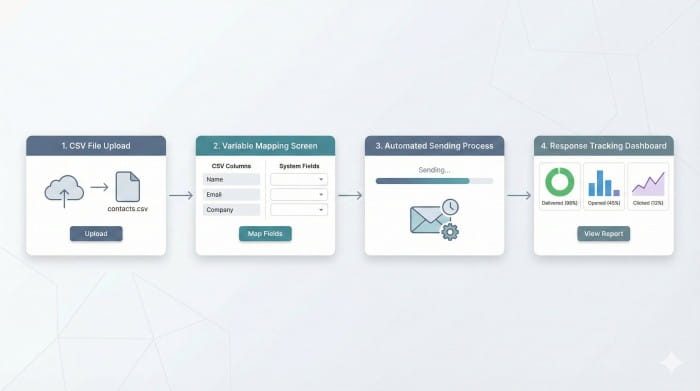
Look for features such as:
- CSV import
- Variable mapping
- Sending delay customization
- Campaign scheduling
- Message preview testing
- Response tracking
Avoid cracked or unofficial tools. They increase compliance risk and can compromise account safety.
Step 3: Craft a Message That Feels Natural
Personalization alone isn’t enough.
Your message must sound conversational—not robotic.
Instead of writing like an announcement, write like you’re continuing a conversation.
Weak version:
“Dear {{name}}, we are offering 30% discount on our software.”
Stronger version:
“Hey {{name}}, we just unlocked a 30% loyalty discount on your account. Want me to reserve it for you?”
The second version feels interactive. It invites a reply.
And replies are what reduce automation risk and increase deliverability signals.
Step 4: Add Controlled Sending Delays
One of the biggest mistakes businesses make is sending 1,000 messages instantly.
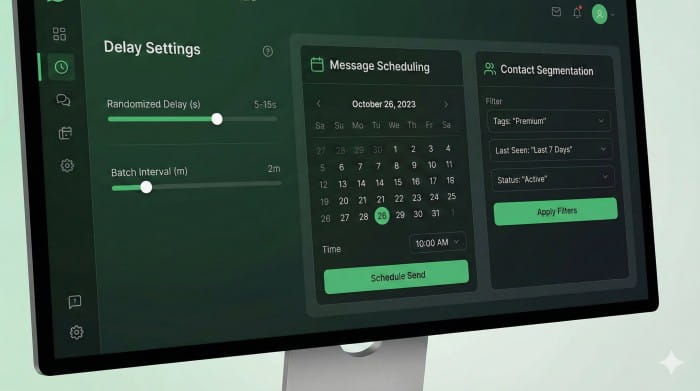
That behavior looks unnatural.
Instead:
- Add 5–15 second random delays.
- Limit daily sending volume.
- Warm up new numbers gradually.
- Mix promotional messages with conversational ones.
Smart sending behavior protects your WhatsApp number and extends campaign longevity.
Step 5: Test Before Scaling
Never launch a large campaign without testing.
Send to a small segment first. Check:
- Variable replacement accuracy
- Link functionality
- Formatting issues
- Reply behavior
Refine before scaling.
A small error multiplied by 1,000 recipients becomes a major reputation issue.
Personalized Bulk Sender vs WhatsApp API
Many businesses wonder whether to use bulk sender software or the official API.
Bulk sender software typically offers:
- Lower cost
- Faster setup
- No approval process
- Greater flexibility
WhatsApp API provides:
- Official compliance framework
- Verified business messaging
- Template approval system
- Higher infrastructure reliability
The right choice depends on scale, budget, and long-term strategy.
For startups and small teams, sender software can be a practical starting point. Larger organizations may transition toward API solutions for sustainability.
Compliance & Risk Awareness
It’s important to approach bulk messaging responsibly.
Best practices include:
- Sending messages only to opted-in contacts.
- Avoiding spam trigger words.
- Providing value in every message.
- Avoiding aggressive mass blasting behavior.
- Maintaining list hygiene.
Personalization reduces risk—but only when combined with ethical messaging practices.
How Personalization Increases Sales
Let’s connect this to revenue.
When messages feel personal:
- Prospects respond more.
- Conversations begin faster.
- Sales objections surface earlier.
- Trust builds organically.
Instead of pushing offers blindly, you’re starting conversations.
And conversations convert.
The Bigger Strategy: Automation with Human Feel
The real power of personalized bulk WhatsApp messaging lies in balancing automation and authenticity.
Automation handles scale.
Personalization preserves humanity.
- WhatsApp Marketing
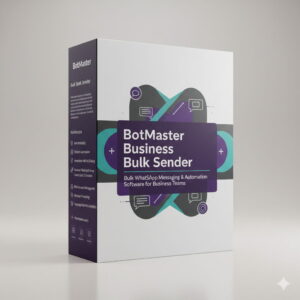
BotMaster Business Bulk Sender – WhatsApp Marketing Software for Business Teams
Price range: 0.00$ through 299.00$ Select options This product has multiple variants. The options may be chosen on the product page - Marketing Tools
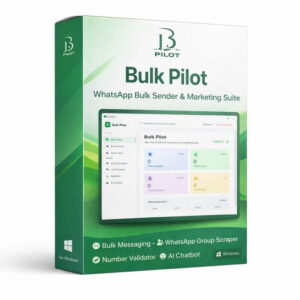
Bulk Pilot – A Simplified WhatsApp Marketing Tool for Efficient Automation
Price range: 0.00$ through 59.00$ Select options This product has multiple variants. The options may be chosen on the product page - WhatsApp Marketing
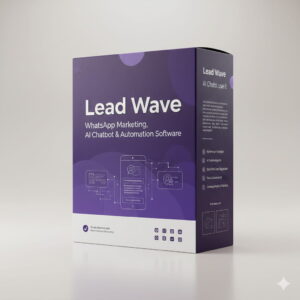
Lead Wave WhatsApp Marketing Software with AI Chatbot & Automation
Price range: 0.00$ through 299.00$ Select options This product has multiple variants. The options may be chosen on the product page - WhatsApp Marketing
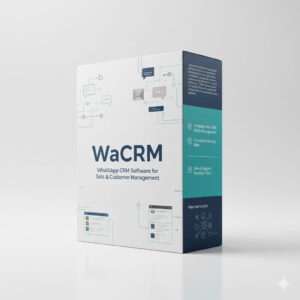
WaCRM WhatsApp CRM Software for Sales, Marketing, and Customer Support Teams
Price range: 0.00$ through 199.00$ Select options This product has multiple variants. The options may be chosen on the product page - WhatsApp Marketing
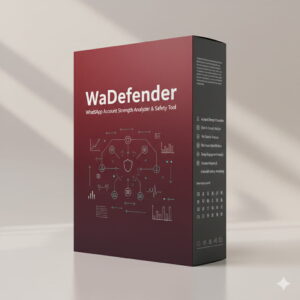
WaDefender WhatsApp Account Strength Analyzer & Safety Software
Price range: 0.00$ through 99.00$ Select options This product has multiple variants. The options may be chosen on the product page - WhatsApp Marketing
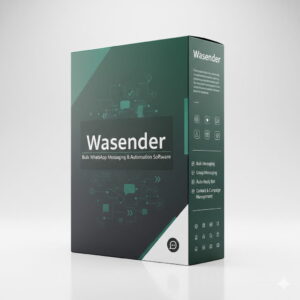
Wasender Bulk WhatsApp Sender Software for Business Communication
Price range: 0.00$ through 199.00$ Select options This product has multiple variants. The options may be chosen on the product page
When done right, recipients don’t feel marketed to—they feel remembered.
That difference changes everything.
Final Thoughts
Sending bulk WhatsApp messages is easy.
Sending personalized bulk WhatsApp messages strategically is where growth happens.
If you focus on:
- Clean data
- Smart software
- Conversational copy
- Controlled sending behavior
- Ethical compliance
You can scale communication without sacrificing trust.
In modern digital marketing, relevance wins.
And personalization is relevance at scale.